
NK101 Register - Creating an Account in Nepal
Opening an NK101 account takes a Nepali mobile number, a password and a couple of minutes. There is no deposit at sign-up and no fee. This guide covers the form, the SMS confirmation, the first login and the most common reasons a registration gets stuck.

What You Need Before Registering
Only a few things are required, but each one matters later.
- a mobile number that you own and can receive SMS on;
- being at least 18 years old;
- a password you have not used on other sites;
- your real name, spelled the same way as on the documents you may later use for verification;
- a stable internet connection for the SMS step.
The phone number is the core of the account. It is used for confirmation codes and for recovering access, so a borrowed or temporary number causes problems the first time a code has to be entered.
Step-by-Step Registration
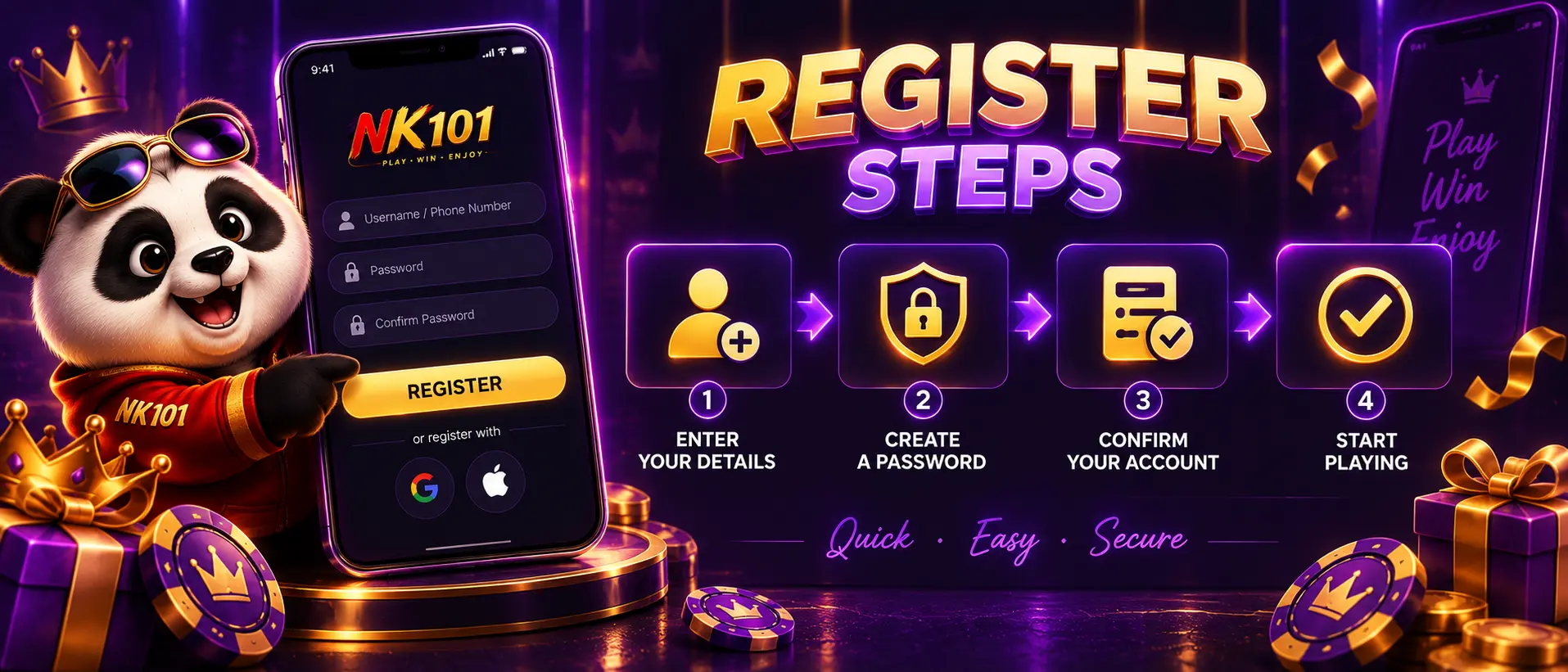
The form is the same on the website and in the app; the order of the fields can differ slightly. The steps below follow the order the platform uses.
- Open NK101 and tap the gold "Register" button in the header;
- Choose a username and create a password;
- Enter your Nepali mobile number and the other details the form asks for;
- Type in the verification code sent by SMS;
- Log in and open the cashier.
After the last step the account opens immediately. There is nothing to wait for by e-mail.
Phone Verification
NK101 ties every account to one phone number. During registration a code arrives by SMS and is typed into the form. The same number is later used for password recovery and for the checks that can precede a withdrawal. Do not give the code to anyone: support staff never ask for it.
| Problem | What to do |
|---|---|
| The code does not arrive | Wait for the resend timer, check the number and the signal, then request the code again |
| The number is already in use | You already have an account; use login or password recovery instead of a second registration |
| The code is rejected | Codes expire; request a fresh one and enter it without spaces |
| The form will not submit | Check every required field and the terms checkbox; switch off a VPN if one is active |
No fee, no deposit at sign-up. The account opens right after the SMS code.
Create an accountAfter the First Login
Once inside, a new player has three practical tasks: check the profile details, look at the promotions page and open the cashier.
- confirm the name and phone number in the profile are correct;
- read the terms of the 50% first deposit bonus before the first payment;
- check the deposit methods and their minimum amounts;
- set the interface language (Nepali or English);
- find the support section so it is easy to reach later.
The 50% first deposit bonus + Lucky Draw is the main reason to look at promotions before depositing: a bonus claimed after the deposit has already been made usually cannot be applied retroactively. All current offers are listed on the bonuses page.
Login and Password Recovery
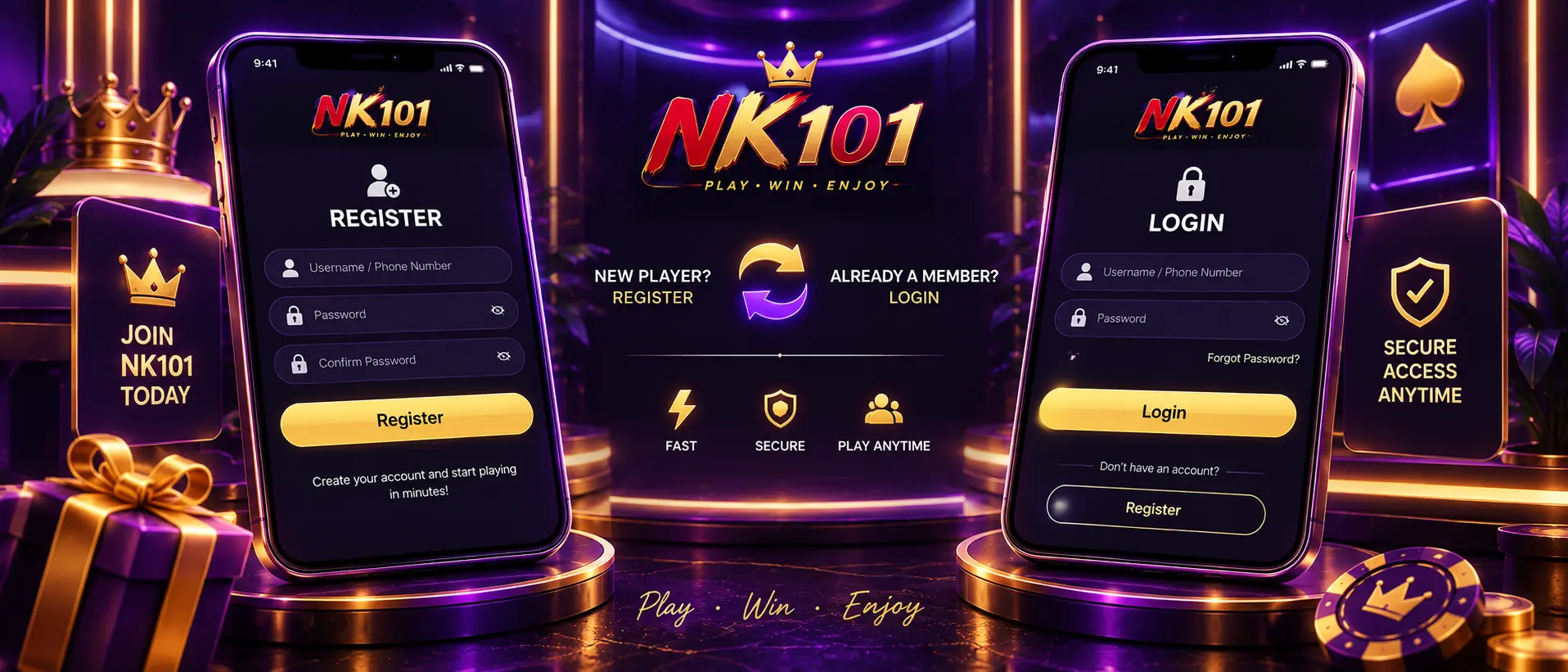
Login uses the username and password; the phone number is for verification and recovery. The "Forgot?" link next to the password field starts recovery: enter the registered number, receive a code and set a new password. If the number itself is lost, contact support with the account details. Do not open a second account, because duplicate profiles are against the rules and complicate withdrawals.
Account Rules to Know
Among the terms accepted at registration, a few have practical consequences.
- one account per person; duplicates can be closed;
- players must be 18 or older;
- the details must belong to the account holder, because withdrawals go to the same person;
- verification can be requested at any time, usually before a large withdrawal.
Frequently Asked Questions
Short answers to the questions players in Nepal ask most often about this topic.
Is NK101 registration free?
Yes. There is no fee and no mandatory deposit at sign-up.
Can I register without a phone number?
No. The mobile number is required for verification and recovery.
Can I open an account from the app?
Yes. The APK has the same form as the website.
What if I forget my password?
Use "Forgot?" on the login form; a code goes to the registered number.
Do I need to verify my identity?
Phone verification is done at registration; additional checks can be requested before withdrawals.
Can I change my phone number later?
Through support, after confirming ownership of the account.
Registration takes a couple of minutes; the welcome bonus is waiting on the first deposit.
Register at NK101